
8 Best LibreOffice Impress Template Picks for 2026
Tired of using the same outdated slides that fail to impress? Many presenters struggle with uninspired designs, leaving their message lost in the crowd.
This guide is your gateway to discovering the most modern, versatile, and visually stunning libreoffice impress template options for 2026. Whether you present to clients, colleagues, or students, the right template can transform your impact.
Inside, you will find our top 8 picks, each chosen for standout features, specific use cases, and trusted sources. Ready to capture attention, engage your audience, and elevate your next presentation? Let’s explore the best templates for truly unforgettable slides.
Why Upgrade Your LibreOffice Impress Templates in 2026?
Modern presentations are evolving rapidly, and the expectations for quality have never been higher. If you are still using an old or default libreoffice impress template, you may find your slides looking outdated or uninspiring compared to the competition. In 2026, upgrading your templates is more than a cosmetic change—it is a strategic move to meet new communication demands and keep your audience engaged.
The Evolving Demands of Modern Presentations
Today’s audiences expect presentations to be visually captivating and information-rich. The shift to remote work and hybrid events has made clear, engaging virtual presentations essential. A dated libreoffice impress template may not support high-resolution displays or look polished on modern devices, making your message harder to deliver.
Design trends from PowerPoint and Google Slides now influence LibreOffice users, encouraging the adoption of minimalist layouts, dynamic visuals, and multimedia integration. Additionally, data-driven storytelling is on the rise. Modern templates must support infographics and seamless data visualization to help presenters communicate complex information with clarity.
If you want your presentations to stand out, you need a libreoffice impress template that aligns with these trends. Templates optimized for accessibility and readability are also critical, ensuring everyone in your audience can engage with your content.
Key Benefits of Using High-Quality Impress Templates
A professional libreoffice impress template saves valuable time spent on design and formatting, allowing you to focus on your message. Organizations benefit from consistent branding and messaging across all presentations, which strengthens their identity and professionalism.
High-quality templates enhance audience engagement and retention. Well-designed slides hold attention longer and make information easier to absorb. Templates built with accessibility in mind—such as those with strong color contrast and readable fonts—ensure your content is inclusive.
Consider these real-world scenarios:
- Academic conferences where clear data visualization is crucial
- Startup pitch decks that require polished, persuasive slides
- Corporate board meetings that demand consistent branding
In each case, an up-to-date libreoffice impress template can make a measurable difference in how your ideas are received. With so many advantages, upgrading your templates is a smart investment.
Where to Find and How to Evaluate Templates
Finding the right libreoffice impress template starts with knowing where to look. Reputable sources include GitHub repositories, the official LibreOffice template library, platforms like Showeet, and community-driven contests. When evaluating templates, check the licensing—free and open source options are widely available. Look for templates updated regularly and compatible with the ODP format.
User reviews and community feedback are helpful indicators of quality. With over 250 freely licensed templates available on GitHub alone, you have a diverse selection to explore. Always preview and test templates before making them part of your workflow.
For a curated collection of templates and extensions, visit the LibreOffice templates and extensions page. It is an excellent starting point for discovering new designs and functionalities.
By upgrading your libreoffice impress template, you ensure your presentations meet the demands of 2026 and beyond.
8 Best LibreOffice Impress Template Picks for 2026
Finding a modern, high-impact LibreOffice Impress template can be a game-changer for your presentations in 2026. Below, you will discover eight standout options, each designed to help you create visually compelling and professional slides. Whether you need a creative edge, business polish, or something uniquely tailored, each libreoffice impress template in this list offers features and benefits for a wide range of users.
1. Kanagawa – Artistic & Modern
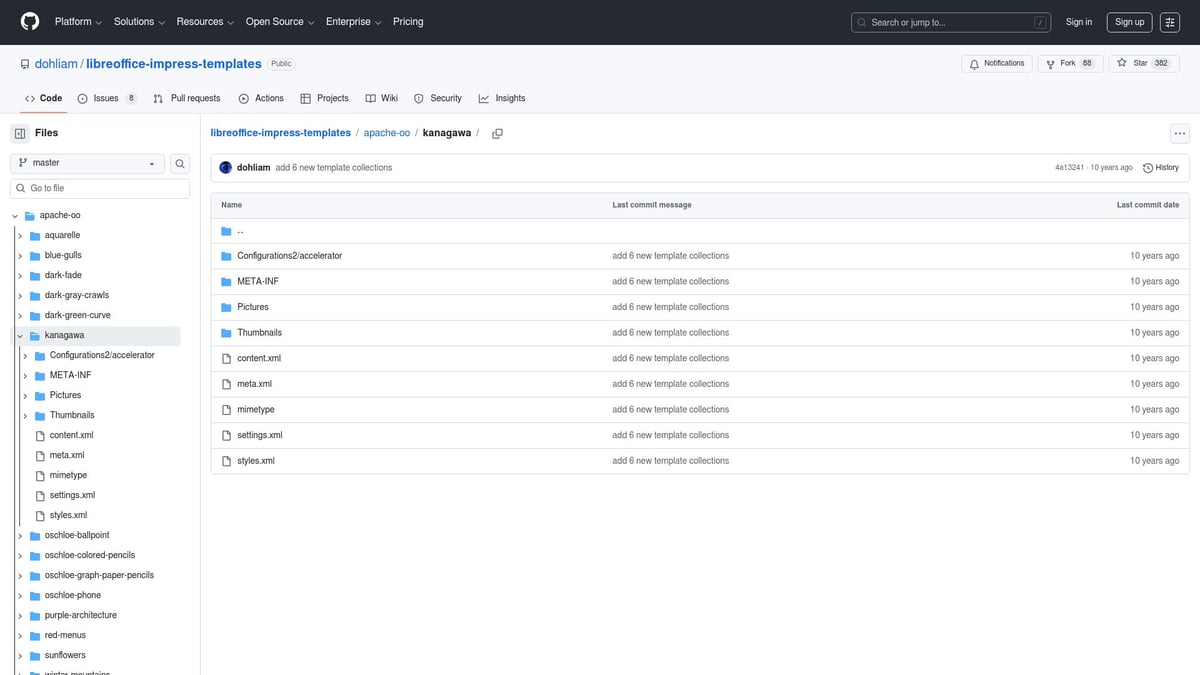
The Kanagawa libreoffice impress template stands out for its Japanese-inspired wave artwork and refined, minimalist layouts. This free, open-source template is ideal for users seeking creative flair and a cultural touch.
Key features include:
- Distinctive wave illustrations
- Subtle, harmonious color palette
- Clean, spacious slide layouts
This template shines in presentations for art historians, educators, and creative professionals who want to make an impression. It brings a sense of artistry and sophistication to lectures, workshops, or cross-cultural seminars.
Pros: Highly memorable visuals, unique aesthetic
Cons: May not be suitable for very formal business settings
For inspiration on how to leverage modern presentation styles, see Contemporary PowerPoint template ideas, which can inform your approach to adapting this libreoffice impress template.
2. Fedora Gradients Dark – Sleek & Professional
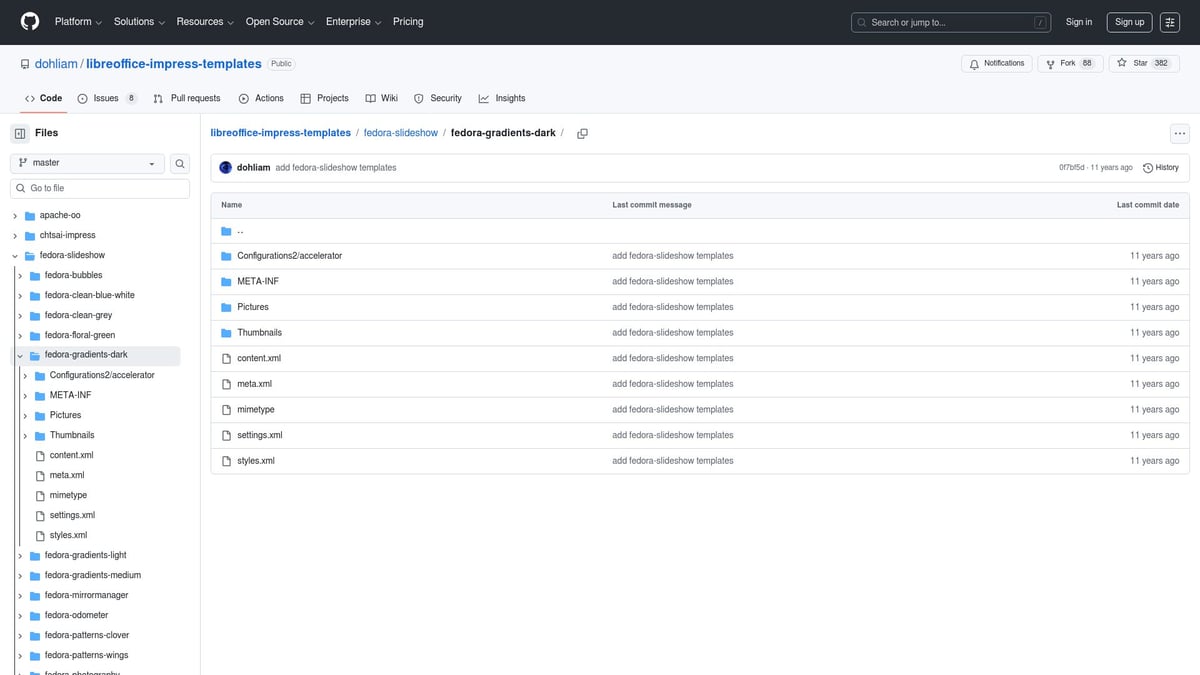
Fedora Gradients Dark is a libreoffice impress template designed with a sleek, modern look. It features a dark background with gradient overlays, making it perfect for tech-savvy audiences and late-night webinars.
Core features:
- Gradient backgrounds for depth
- Crisp, legible typography
- High contrast for readability
The template reduces eye strain, especially in low-light environments, and helps your content pop. It is a favorite at tech conferences, developer meetups, and open source events.
Pros: Trendy, easy to read, visually impactful
Cons: Not recommended for print due to dark backgrounds
Example: Frequently used in open source community conferences and coding workshops.
3. Showeet Modern Business Template
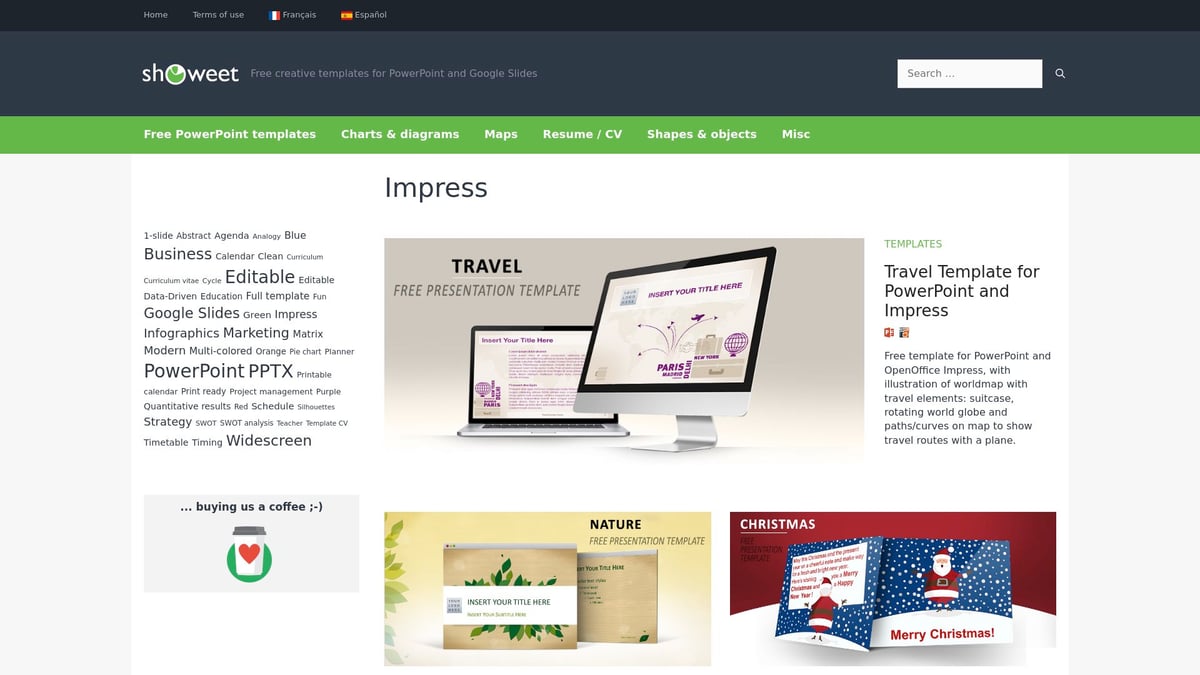
With the Showeet Modern Business libreoffice impress template, you gain access to polished layouts, infographics, and customizable charts. This free template (with attribution) mirrors professional PowerPoint designs and is made for business scenarios.
Highlights:
- Multiple slide types for agendas, data, and summaries
- Built-in icons and infographic elements
- Easy-to-edit color schemes
Ideal for startups, consultants, and corporate teams, this template supports pitch decks and formal meetings. Its business-ready framework ensures your message remains clear and visually appealing.
Pros: Versatile, comprehensive, familiar to PowerPoint users
Cons: Requires attribution for use
Example: A top choice for investor presentations and business proposals.
4. Aquarelle – Watercolor Creative
Aquarelle is a libreoffice impress template featuring vibrant watercolor backgrounds and artistic accents. It is designed for presenters who want to infuse creativity and warmth into their slides.
Key characteristics:
- Lively watercolor textures
- Playful color swatches
- Artistic slide elements
Aquarelle is perfect for teachers, artists, and creative workshops. It breaks away from conventional templates, making your content more engaging and memorable.
Pros: Eye-catching, creative, uplifting
Cons: Less formal, not ideal for corporate boardrooms
Example: Used in art classes, creative writing seminars, and informal educational settings.
5. Cinemascope – Widescreen Impact
Cinemascope brings a cinematic flair to the libreoffice impress template world. Its 16:9 widescreen format and bold title slides are tailored for impactful, visual-heavy presentations.
Features:
- Widescreen (16:9) for modern displays
- Dramatic, movie-inspired slide layouts
- Emphasis on visuals and multimedia
This template is best for marketing pitches, product launches, and film studies. It leverages the full width of modern screens, ensuring your visuals take center stage.
Pros: High-impact, visually stunning
Cons: Not ideal for text-heavy content or detailed reports
Example: Film festival presentations and multimedia showcases.
6. Dark Green Curve – Minimalist & Elegant
Dark Green Curve is a libreoffice impress template with a minimalist design. Its understated dark background and gentle green accent curves create a professional and distraction-free environment.
Core attributes:
- Minimalist slide layouts
- Dark, calming background
- Green accent curves for subtle branding
This template is well-suited for finance, legal, and academic presentations, where clarity and professionalism are key.
Pros: Simple, easy on the eyes, professional
Cons: Limited visual elements for highly graphical presentations
Example: Used in financial reporting, academic defenses, and legal briefings.
7. Purple Architecture – Urban & Contemporary
Purple Architecture stands out as a libreoffice impress template for those who want an urban, contemporary vibe. It features striking cityscape photography with purple accents and a widescreen layout.
Key highlights:
- Urban photography backgrounds
- Modern purple accents
- Wide, spacious slide format
This template is ideal for architecture firms, real estate agents, and urban planners. It combines modern aesthetics with a unique visual theme.
Pros: Stylish, unique, visually engaging
Cons: Niche appeal, may not fit all topics
Example: Presented in urban development proposals and architectural showcases.
8. Red Menus – Bold & High-Contrast
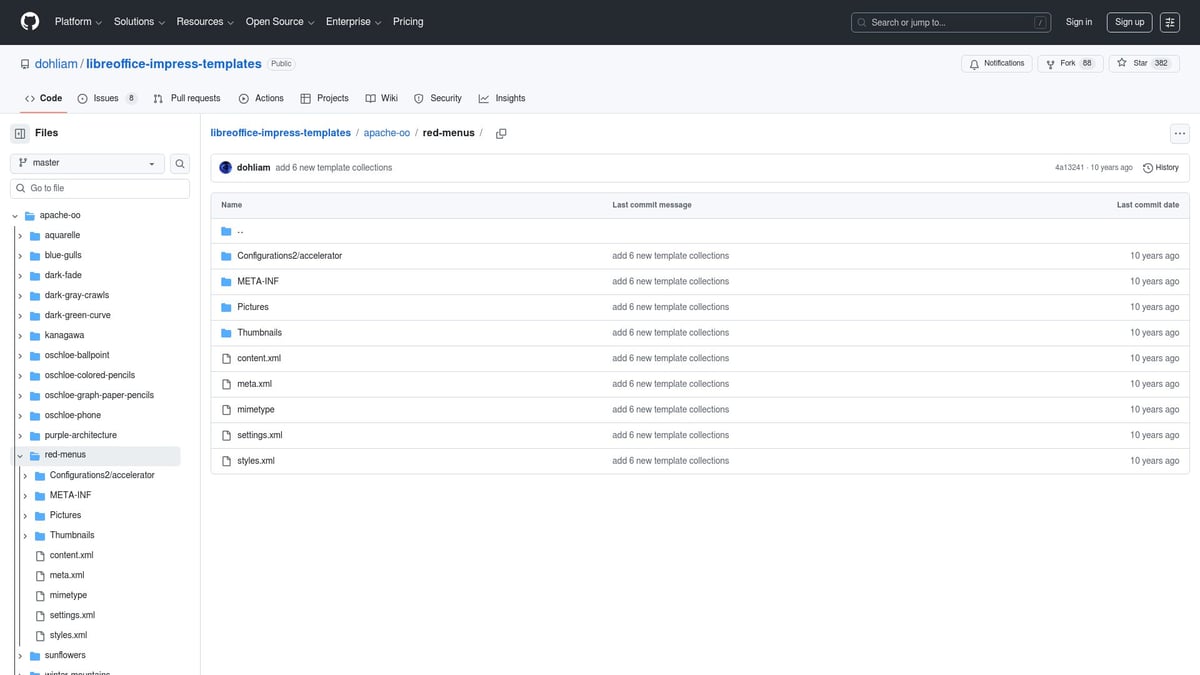
Red Menus is a libreoffice impress template that uses bold red highlights and strong contrast to draw attention. Its clear navigation menus make it easy for audiences to follow along.
Features:
- Red accents for emphasis
- High-contrast design for visibility
- Built-in navigation for smooth flow
This template is perfect for sales teams, product demos, and event promotions. Its bold design ensures your calls to action are noticed.
Pros: Attention-grabbing, easy navigation
Cons: May be too bold for conservative audiences
Example: Used in product launch events and promotional campaigns.
Comparison Table: LibreOffice Impress Template Picks for 2026
| Template | Style | Ideal For | Key Feature | Free/Open Source |
|---|---|---|---|---|
| Kanagawa | Artistic/Modern | Creatives, educators | Japanese wave art | Yes |
| Fedora Gradients | Tech/Dark | Developers, webinars | Gradient overlays | Yes |
| Showeet Business | Professional | Startups, corporates | Infographics, charts | Yes (Attrib.) |
| Aquarelle | Creative | Teachers, artists | Watercolor backgrounds | Yes |
| Cinemascope | Cinematic | Marketing, film studies | Widescreen format | Yes |
| Dark Green Curve | Minimalist | Finance, academia | Dark, green curves | Yes |
| Purple Architecture | Urban/Modern | Architects, planners | Urban photos, purple | Yes |
| Red Menus | Bold/Contrast | Sales, events | Red menus, navigation | Yes |
With these eight libreoffice impress template options, you can elevate any presentation to meet the demands of 2026. Choose the one that aligns best with your content, audience, and style preferences.
How to Customize and Optimize Impress Templates for Your Needs
Customizing your libreoffice impress template is the key to making your presentation truly unique and impactful. Whether you want to reflect your organization’s branding or adapt slides for a specific audience, thoughtful optimization ensures your message stands out. With the right approach, even a simple libreoffice impress template can look polished and professional.
Customization Tips for Maximum Impact
Start by choosing a libreoffice impress template that closely matches your goals. Next, adjust the color scheme so it aligns with your brand or the theme of your presentation. Insert your logo, contact details, and any custom graphics to personalize the slides. Modify layout elements for agenda, data, and summary slides to fit your content structure.
Leverage Impress master slides to make consistent changes across your entire deck. This saves time and keeps your libreoffice impress template looking cohesive. Add animations and transitions sparingly to maintain viewer focus without causing distractions. Always ensure accessibility by checking contrast, choosing readable font sizes, and adding alt text for every image.
Before finalizing, test your presentation on various devices and screen sizes. This ensures your libreoffice impress template maintains its impact, whether in person or during a virtual meeting. For step-by-step guidance on customizing and designing templates, see How to create a presentation template.
Quick Reference Table: Customization Actions & Impact
| Action | Purpose | Impact |
|---|---|---|
| Color scheme updates | Match branding or mood | Consistency, recognition |
| Insert logos/graphics | Personalize slides | Professional appearance |
| Master slide edits | Universal changes | Saves time, ensures uniformity |
| Accessibility checks | Improve readability | Inclusive, audience-friendly |
Troubleshooting Common Issues
Even the best libreoffice impress template can run into challenges. Formatting glitches may occur when importing templates from different sources. To fix these, double-check slide layouts and restore default formatting where needed. Compatibility issues with PPTX files can arise, especially with complex graphics. Test your presentation after exporting to catch any discrepancies early.
When libreoffice impress template files are used across different operating systems, font substitutions or missing media assets may disrupt the design. Always embed fonts or use widely available ones, and keep all linked images in the same folder as your presentation. If your template seems outdated after a LibreOffice update, download the latest version or check for updates from the template source.
Stay proactive by updating templates regularly and seeking community feedback. Experiment with new features and refine your libreoffice impress template based on audience responses. Troubleshooting is part of the process, and each adjustment brings you closer to a flawless presentation.
Impress Template Trends to Watch in 2026
Staying ahead of design trends is essential for anyone seeking to make an impact with a libreoffice impress template. As presentation expectations continue to rise, modern templates must evolve to meet new challenges, boost engagement, and ensure your message stands out. Whether you present in-person or virtually, knowing what’s on the horizon helps you select and customize the right libreoffice impress template for your needs.
Emerging Design Styles and Functionalities
In 2026, the libreoffice impress template landscape is shaped by several key design movements. Minimalist and flat design continues to dominate, offering clean slides with ample whitespace and reduced visual clutter. Neumorphic styles, blending subtle shadows and soft edges, create a tactile, modern look without overwhelming the content.
The integration of scalable vector graphics (SVG) is now widespread, enabling crisp icons and illustrations that scale perfectly on high-resolution screens. Templates increasingly support hybrid and virtual presentations by optimizing layouts for video calls, ensuring every element remains readable and engaging, even when shared online.
Interactive features are also gaining ground. Expect more templates to support live charts, clickable elements, and embedded media, making presentations feel dynamic and tailored to audience needs. Accessibility-first design is a growing standard, with templates offering high-contrast color palettes, large font sizes, and alt text for all images, ensuring inclusivity.
Community-driven design is thriving. LibreOffice users around the globe participate in template contests, such as the Indonesian community’s recent competition, which produced localized, culturally relevant designs. For a comprehensive look at what is shaping the future of presentation slides, see the latest presentation design trends 2026.
Future-Proofing Your Presentations
To ensure your libreoffice impress template remains effective as technology and audiences evolve, adopt a future-proof approach. Choose templates from sources that offer regular updates and respond to community feedback. Engaging with open source communities allows you to request custom features, troubleshoot issues, and stay informed about new releases.
Keep an eye on LibreOffice Impress feature upgrades, especially as automation and AI-powered slide design become more accessible. Templates that integrate with these advancements will help you work smarter and faster. Embrace templates that are adaptable across devices, support the latest ODP format, and maintain compatibility with other platforms.
Below is a quick checklist for future-proofing:
- Prioritize templates with ongoing support
- Verify ODP compatibility
- Test on multiple devices and screen sizes
- Review accessibility features
- Check for integration of interactive and multimedia elements
For more detailed best practices and technical guidance, the LibreOffice Impress Guide 7.3 is an invaluable resource for both beginners and experienced users.
Frequently Asked Questions about LibreOffice Impress Templates
Choosing the right libreoffice impress template can raise plenty of questions. Below, you will find expert answers to the most common queries, helping you get the most from your presentation workflow in 2026.
How do I install a new libreoffice impress template?
To install a new template, download the .otp file from a trusted source. Open LibreOffice Impress, go to "Templates" then "Manage Templates." Click "Import," select your file, and it will appear in your template gallery.
Can I use PowerPoint templates in LibreOffice Impress?
Yes, you can use .pptx or .potx files, but some formatting elements may not convert perfectly. Always test your imported libreoffice impress template for layout or font issues before presenting.
Where can I find more high-quality templates?
Great libreoffice impress template options are available from GitHub repositories, the official LibreOffice site, and creative communities. For extra inspiration, explore Free minimal PowerPoint templates as many designs can be adapted for Impress.
Are these templates compatible with the latest LibreOffice versions?
Most modern templates, especially those updated regularly, work with the newest LibreOffice releases. Always check the template’s compatibility notes and update your office suite to avoid issues.
How do I modify and save a customized template?
Open your chosen libreoffice impress template, make your changes (colors, logos, layout), then select "Save As Template" from the File menu. Assign a memorable name for future use.
What are the best practices for using templates professionally?
Use consistent branding, readable fonts, and accessible color schemes. Stay aware of current presentation design trends to ensure your slides look fresh and relevant.
How do I contribute my own templates to the community?
Export your design as a .otp file, then share it via official LibreOffice repositories or participate in community contests. Add clear descriptions and licensing details for others to use.
Troubleshooting: What if a template does not display correctly?
Common issues include missing fonts or images and layout glitches. Check that all assets are embedded, and test your libreoffice impress template on another device or version. If problems persist, try re-importing or updating the template.
Empowering your presentations starts with the right libreoffice impress template and a clear understanding of how to use and adapt it for your needs.



- This is some text inside of a div block.lay out the facts clearly and compellingly. Use data to establish the ground reality, but remember that facts alone are like the individual strands of a tapestry—necessary but not complete.lay out the facts clearly and compellingly. Use data to establish the ground reality, but remember that facts alone are like the individual strands of a tapestry—necessary but not complete.
- This is some text inside of a div block.lay out the facts clearly and compellingly. Use data to establish the ground reality, but remember that facts alone are like the individual strands of a tapestry—necessary but not complete.

.png)
