
Team PowerPoint: Collaborative Strategies for Success

Creating presentations collaboratively has become essential for modern businesses, particularly in financial and tech sectors where complex data storytelling requires input from multiple stakeholders. Team PowerPoint projects demand coordinated effort, clear communication, and strategic planning to ensure visual consistency and messaging alignment. When multiple contributors work on the same deck, challenges around version control, design coherence, and timeline management often emerge. Understanding how to navigate these obstacles while leveraging collaborative features transforms team PowerPoint work from a potential bottleneck into a streamlined, efficient process that delivers exceptional results.
The Evolution of Collaborative Presentation Development
Team PowerPoint collaboration has evolved significantly since the early days of emailing files back and forth. Organizations once struggled with version conflicts, lost edits, and fragmented feedback loops that created confusion and wasted hours of productive time.
Today's cloud-based ecosystem has revolutionized how teams approach presentation development. Real-time co-authoring capabilities allow multiple users to work simultaneously within the same file, eliminating the version control nightmares that plagued earlier workflows. This technological advancement has fundamentally changed the team PowerPoint experience, enabling seamless collaboration across departments, time zones, and organizational hierarchies.
Modern Collaboration Tools and Features
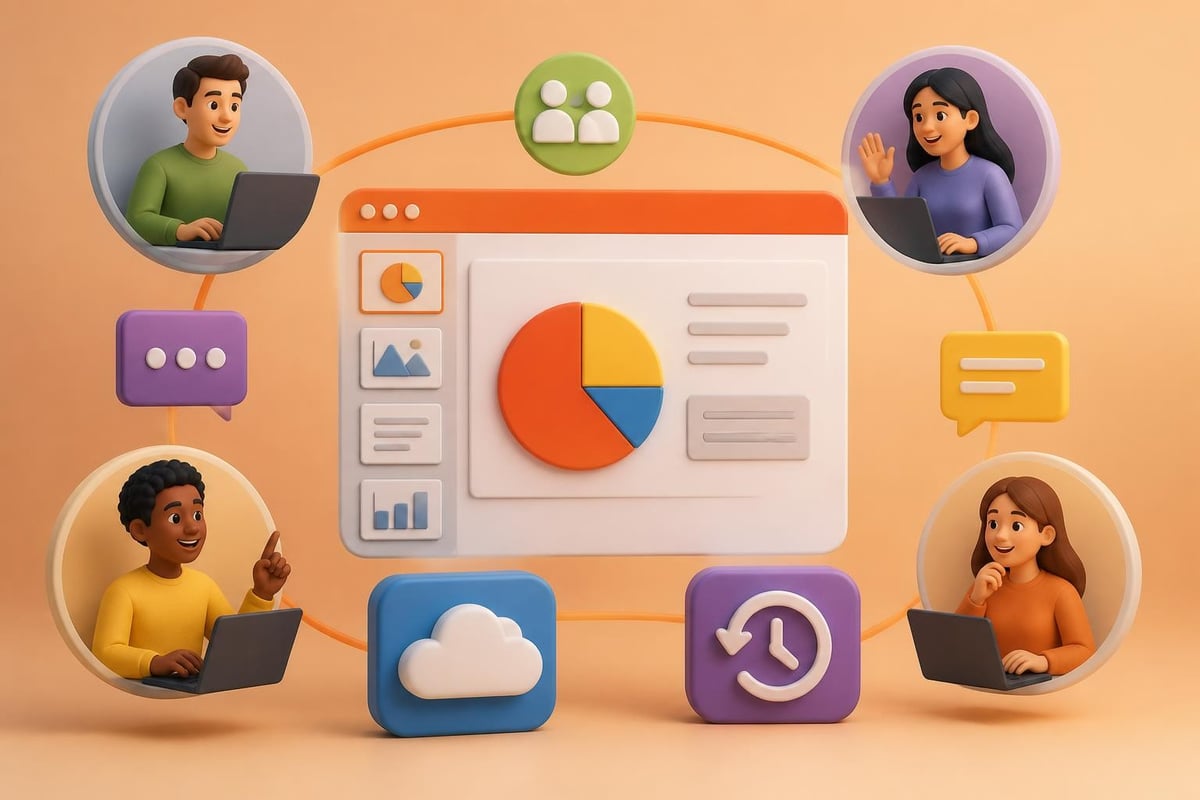
Microsoft's native collaboration features have matured into robust solutions for team-based presentation work. The real-time co-authoring functionality allows teams to see each other's cursors, edits, and comments as they happen, creating transparency and reducing duplicated effort.
Key features that enhance team PowerPoint collaboration include:
- Presence indicators showing who is currently editing specific slides
- Comment threads that maintain context and facilitate asynchronous feedback
- Version history enabling teams to review changes and restore previous iterations
- Cloud storage integration through OneDrive or SharePoint for centralized access
- Permission controls that manage editing rights and viewing access
These capabilities transform presentations from individual deliverables into living documents that reflect collective expertise and diverse perspectives.
Establishing Team PowerPoint Workflows
Successful team PowerPoint projects require structured workflows that balance creative freedom with organizational consistency. Without clear processes, collaborative efforts can quickly devolve into design chaos and messaging inconsistency.
Defining Roles and Responsibilities
The foundation of effective team PowerPoint collaboration starts with clear role definition. Each team member should understand their specific responsibilities within the presentation development cycle.
| Role | Primary Responsibilities | Key Deliverables |
|---|---|---|
| Content Lead | Message development, narrative structure | Outline, key messages, script |
| Design Lead | Visual consistency, brand alignment | Master slides, design templates |
| Subject Matter Experts | Technical accuracy, data validation | Content inputs, fact-checking |
| Stakeholder Reviewers | Strategic alignment, executive approval | Feedback, sign-off |
This structured approach prevents overlapping responsibilities and ensures accountability throughout the development process. Teams should document these roles at project inception, creating shared understanding and realistic expectations.
Creating a Master Template Framework
Before any team PowerPoint collaboration begins, establishing a comprehensive template framework saves countless hours of reformatting and design reconciliation. Professional PowerPoint templates provide the structural foundation that maintains visual consistency regardless of who contributes content.
The master template should include:
- Pre-designed slide layouts for common content types (title slides, content slides, data visualization, section breaks)
- Color palette specifications aligned with brand guidelines
- Typography hierarchy with defined font sizes, weights, and applications
- Image placement guides ensuring consistent visual treatment
- Data visualization templates for charts, graphs, and infographics
When every team member works from the same template foundation, the final product maintains cohesive design language even with multiple contributors.
Managing the Collaborative Process
The mechanics of team PowerPoint collaboration extend beyond technical features into process management and human coordination. Successful teams implement systematic approaches that balance efficiency with quality control.
Establishing Communication Protocols
Clear communication separates successful team PowerPoint projects from chaotic experiences. Teams should establish protocols for feedback delivery, change requests, and approval workflows before beginning collaborative work.
Synchronous collaboration works best for brainstorming sessions, initial content structuring, and final reviews. These real-time interactions allow immediate clarification and rapid decision-making. Asynchronous collaboration through comments and tracked changes suits detailed reviews, technical edits, and stakeholder feedback cycles.
Organizations should consider implementing collaborative presentation strategies that align team goals, utilize appropriate tools, and conduct structured rehearsals for high-stakes deliverables.
Version Control Best Practices
Even with cloud-based collaboration, version control remains critical for team PowerPoint projects. Organizations should implement naming conventions and file management protocols that prevent confusion and preserve work quality.
Recommended practices include:
- Establishing clear file naming conventions (ProjectName_Date_Version_Status)
- Designating a single source of truth location in cloud storage
- Creating milestone versions at key project phases
- Maintaining a change log documenting major revisions
- Restricting editing permissions during critical review periods
These systematic approaches protect against accidental overwrites and provide clear audit trails for presentation development.

Design Consistency Across Contributors
One of the most significant challenges in team PowerPoint work involves maintaining visual consistency when multiple designers contribute to the same deck. Without rigorous standards and quality checks, presentations quickly develop stylistic inconsistencies that undermine professional credibility.
Implementing Design Governance
Design governance establishes the guardrails that ensure every slide reflects cohesive visual language. This becomes particularly important for financial and tech companies where presentation creative work must balance sophisticated data visualization with accessible storytelling.
Effective design governance includes:
Style guides documenting acceptable variations within brand parameters Review checkpoints where design leads validate visual consistency Asset libraries providing approved images, icons, and graphic elements Feedback templates standardizing how design critiques are delivered
Organizations investing in contemporary PowerPoint templates create reusable frameworks that simplify team PowerPoint collaboration while elevating visual quality.
Quality Assurance Processes
Quality assurance transforms team PowerPoint outputs from acceptable to exceptional. Systematic review processes catch inconsistencies, errors, and misalignments before presentations reach stakeholders or clients.
A comprehensive QA checklist should address:
- Visual consistency: font usage, color application, spacing, alignment
- Content accuracy: data validation, spelling, grammar, factual correctness
- Brand compliance: logo usage, color palette adherence, messaging alignment
- Technical functionality: hyperlinks, animations, embedded media
- Accessibility standards: alt text, color contrast, reading order
Teams should schedule dedicated QA sessions separate from creative development, bringing fresh eyes to identify issues that contributors may overlook.
Technology Integration and Alternative Platforms
While Microsoft PowerPoint dominates corporate presentation development, understanding alternative platforms and integration opportunities enhances team PowerPoint collaboration capabilities. Organizations should evaluate tools based on specific workflow requirements and existing technology ecosystems.
Comparing Collaboration Platforms
Different platforms offer varying strengths for team collaboration. Understanding these distinctions helps organizations select optimal solutions for specific use cases.
| Platform | Best For | Collaboration Strength | Limitations |
|---|---|---|---|
| Microsoft PowerPoint | Enterprise presentations, complex design | Native Microsoft integration, offline capability | Requires paid licenses, learning curve |
| Google Slides | Quick collaboration, remote teams | Real-time editing, free access | Limited design capabilities |
| Keynote | Apple ecosystem teams | Superior design aesthetics | Platform-specific, limited Windows compatibility |
| Canva | Marketing materials, simple presentations | Intuitive interface, template variety | Less corporate credibility |
For organizations requiring sophisticated visual storytelling, PowerPoint's advanced design capabilities typically outweigh the convenience advantages of simpler platforms. Google Slides offers cost-effective collaboration but may not meet the design standards required for high-stakes financial or tech presentations.
Enhancing Workflows with Complementary Tools
Smart teams augment team PowerPoint collaboration with specialized tools that address specific workflow needs. Content creation, project management, and visual asset development often benefit from purpose-built solutions that integrate with presentation development.
Content development tools like collaborative writing platforms enable teams to refine messaging before transitioning to slide design. Project management systems track deadlines, assign responsibilities, and maintain accountability throughout development cycles. Visual asset creation platforms generate custom graphics, infographics, and data visualizations that elevate presentation impact.
Interestingly, emerging technologies are transforming how teams create supporting materials for presentations. Platforms like AdsRaw demonstrate how AI-powered solutions can rapidly generate professional video content to complement presentation narratives, particularly useful for teams needing supporting UGC-style promotional materials without extensive production resources.
Addressing Common Team PowerPoint Challenges
Even well-organized teams encounter obstacles during collaborative presentation development. Recognizing common challenges and implementing preventive strategies minimizes disruption and maintains project momentum.
Resolving Design Conflicts
When multiple contributors possess strong design opinions, conflicts inevitably emerge. These disagreements can stall progress and create interpersonal tension if not managed constructively.
Establishing design authority at project inception prevents prolonged debates during development. The designated design lead makes final aesthetic decisions, allowing other contributors to focus on content excellence within established visual parameters. This hierarchy doesn't suppress creativity but channels it productively.
Creating feedback frameworks helps teams distinguish between subjective preferences and objective design problems. Feedback should reference established brand guidelines, accessibility standards, or audience needs rather than personal taste.
Managing Timeline Pressures
Team PowerPoint projects often face compressed timelines that intensify collaboration challenges. Last-minute changes, stakeholder revisions, and unexpected requirements test even the most organized workflows.
Successful teams build buffer time into schedules, anticipating revision cycles and approval delays. They prioritize ruthlessly, identifying must-have elements versus nice-to-have enhancements when deadlines tighten. Consulting PowerPoint templates accelerate development by providing proven frameworks that reduce design time while maintaining professional quality.
Advanced Collaboration Techniques
Organizations mastering basic team PowerPoint collaboration can implement advanced techniques that further enhance efficiency and output quality. These sophisticated approaches separate high-performing teams from those merely coordinating basic tasks.
Modular Content Development
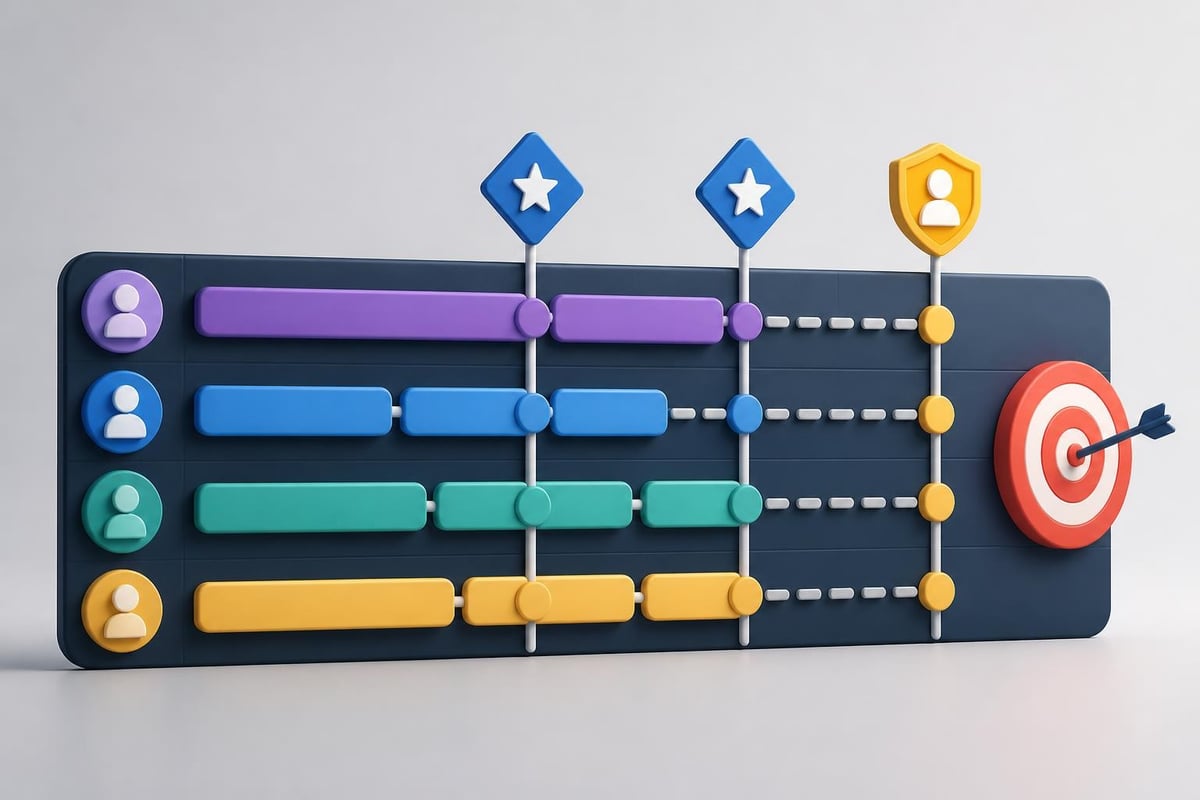
Breaking presentations into modular components allows teams to work in parallel rather than sequentially. This approach dramatically reduces development time while maintaining coherent narrative flow.
Teams develop independent sections simultaneously, focusing on specific topics or audience segments. A content architect ensures modules connect logically while individual contributors exercise creativity within their assigned areas. This methodology proves particularly effective for complex presentations requiring diverse expertise, such as Series B pitch decks combining financial projections, market analysis, and technical capabilities.
Leveraging Asynchronous Collaboration
Global teams spanning multiple time zones cannot always collaborate synchronously. Asynchronous workflows enable continuous progress while respecting individual schedules and peak productivity periods.
Effective asynchronous team PowerPoint collaboration requires:
- Comprehensive documentation explaining context and decision rationale
- Detailed commenting that anticipates questions and provides clarity
- Regular status updates maintaining team awareness without real-time meetings
- Clear handoff protocols ensuring smooth transitions between contributors
How-To Geek's collaboration guide provides practical steps for implementing these asynchronous workflows using PowerPoint's native features.
Implementing Continuous Improvement
High-performing teams treat each team PowerPoint project as a learning opportunity. Post-project retrospectives identify workflow improvements, template enhancements, and process optimizations that benefit future collaborations.
Documentation of lessons learned creates institutional knowledge that persists beyond individual projects or team members. Organizations should maintain repositories of successful approaches, challenging scenarios, and creative solutions that inform future collaborative efforts.
Building Sustainable Team PowerPoint Practices
Sustainable collaboration practices transform one-time successes into repeatable excellence. Organizations investing in systems, training, and cultural development create competitive advantages through superior presentation capabilities.
Training and Skill Development
Team PowerPoint proficiency requires both technical skills and collaborative competencies. Organizations should invest in structured training that develops capabilities across both dimensions.
Technical training covers PowerPoint features, design principles, and data visualization best practices. Collaboration training addresses communication skills, feedback techniques, and conflict resolution. Combining these elements creates teams capable of producing exceptional work while maintaining positive interpersonal dynamics.
Creating Presentation Centers of Excellence
Forward-thinking organizations establish presentation centers of excellence that centralize expertise, maintain standards, and support distributed teams. These centers provide:
- Template libraries with approved frameworks for common presentation types
- Design consultation helping teams apply best practices to specific projects
- Quality review services providing objective assessment before stakeholder delivery
- Training programs building organization-wide presentation capabilities
- Technology evaluation identifying tools that enhance collaborative workflows
Professional agencies like Prznt Perfect often partner with organizations to establish these centers, providing specialized expertise in visual storytelling and presentation design that elevates team PowerPoint outputs across the enterprise.
Measuring Collaboration Effectiveness
What gets measured gets managed. Organizations should establish metrics that assess both process efficiency and output quality for team PowerPoint projects.
Process metrics include development cycle time, revision rounds required, and stakeholder approval rates. Quality metrics assess visual consistency, message clarity, and audience impact. Tracking these indicators over time reveals improvement trends and identifies areas requiring additional focus.
Systematic measurement creates accountability while celebrating team achievements, reinforcing the behaviors and practices that drive exceptional collaborative outcomes.
Mastering team PowerPoint collaboration transforms presentation development from a coordination challenge into a strategic capability that amplifies organizational effectiveness. By implementing structured workflows, leveraging appropriate technologies, and fostering collaborative cultures, teams consistently deliver compelling presentations that communicate complex ideas with clarity and visual impact. Whether you're developing investor pitch decks, executive keynotes, or client proposals, Prznt Perfect brings specialized expertise in visual storytelling and presentation design that helps financial and tech businesses transform their collaborative presentation processes into competitive advantages.



- This is some text inside of a div block.lay out the facts clearly and compellingly. Use data to establish the ground reality, but remember that facts alone are like the individual strands of a tapestry—necessary but not complete.lay out the facts clearly and compellingly. Use data to establish the ground reality, but remember that facts alone are like the individual strands of a tapestry—necessary but not complete.
- This is some text inside of a div block.lay out the facts clearly and compellingly. Use data to establish the ground reality, but remember that facts alone are like the individual strands of a tapestry—necessary but not complete.

.png)
