
Project Manager Presentation: Strategies That Win

Project managers face one of the most challenging communication tasks in modern business: translating complex project data, timelines, and deliverables into presentations that engage stakeholders and drive decisions. A project manager presentation must balance technical accuracy with visual clarity while addressing diverse audience needs, from C-suite executives to technical teams. In 2026, as organizations increasingly rely on data-driven decision-making and remote collaboration tools, the quality of your presentation can directly impact project approval, resource allocation, and team alignment. Whether you're pitching a new initiative, reporting progress, or securing budget approval, your ability to craft and deliver compelling presentations determines your effectiveness as a project leader.
Essential Components of an Effective Project Manager Presentation
Every successful project manager presentation follows a structured approach that addresses stakeholder concerns while maintaining clarity and focus. The foundation begins with understanding your audience's priorities and tailoring your message accordingly.
Defining Clear Objectives and Scope
Your presentation must establish project boundaries from the opening slides. Project objectives should connect directly to business goals, demonstrating how your initiative supports organizational priorities. Include specific, measurable outcomes that stakeholders can evaluate.
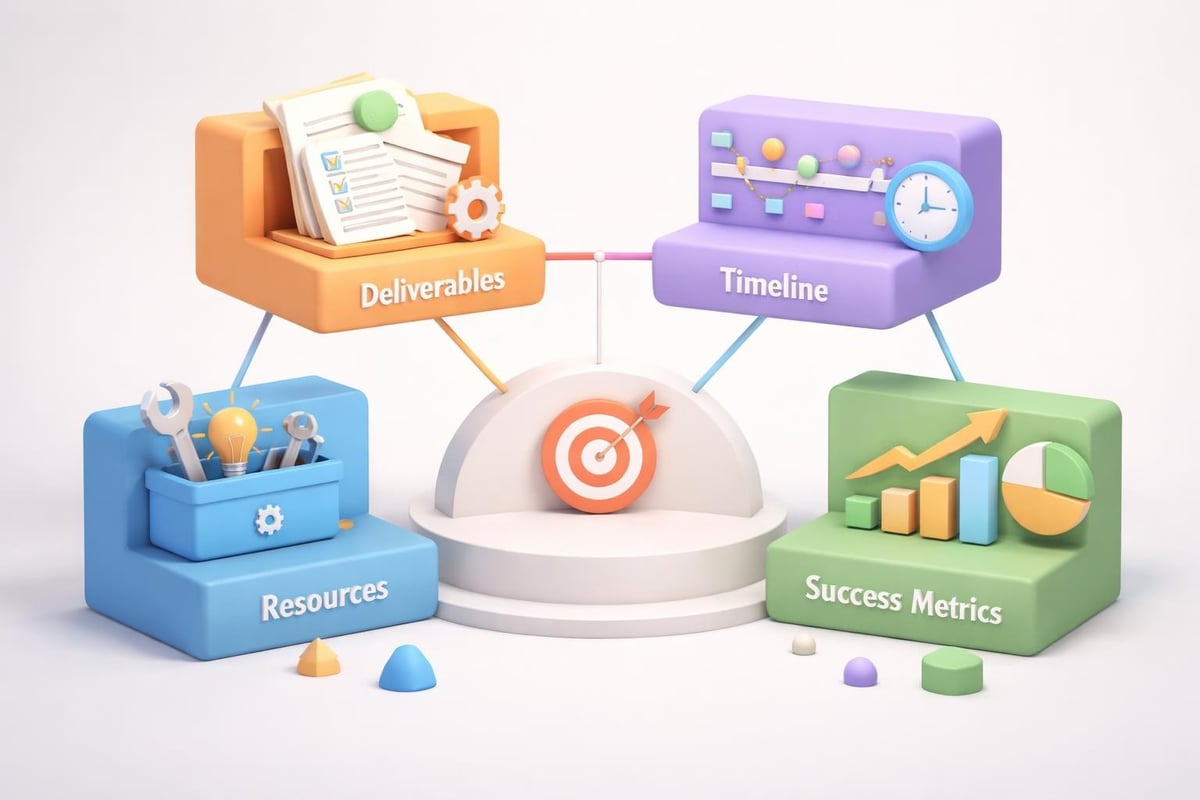
When defining scope, address these critical elements:
- Deliverables: Tangible outputs the project will produce
- Timeline: Key milestones and completion dates
- Resources: Budget, personnel, and tools required
- Constraints: Limitations affecting project execution
- Success metrics: How project outcomes will be measured
A project presentation template provides structure for organizing these components consistently, ensuring you cover essential information without overwhelming your audience.
Presenting Project Timelines and Milestones
Visual timeline representations transform abstract schedules into digestible information. Instead of listing dates in bullet points, use Gantt charts, roadmaps, or phase diagrams that illustrate dependencies and critical paths.
| Timeline Element | Best Practice | Common Mistake |
|---|---|---|
| Milestones | Highlight 5-7 key achievements | Showing every minor task |
| Dependencies | Use visual connectors | Text-only descriptions |
| Critical Path | Color-code or bold | Treating all tasks equally |
| Buffer Time | Build in visible contingency | Optimistic scheduling |
Your project manager presentation should acknowledge potential delays while demonstrating proactive risk management. Stakeholders appreciate realistic planning over overly optimistic projections.
Financial Data and Budget Allocation
Financial transparency builds stakeholder confidence. Present budget information using clear categorization and visual hierarchy that makes resource allocation immediately apparent.
Break down costs into meaningful categories:
- Personnel costs: Team salaries and contractor fees
- Technology investments: Software licenses and infrastructure
- Operational expenses: Travel, facilities, and materials
- Contingency reserves: Risk mitigation funds
Professional presentation design becomes particularly important when communicating financial data. Professional PowerPoint techniques help transform spreadsheet data into visual stories that executives can quickly grasp and remember.
Design Principles for Project Manager Presentations
Visual design directly impacts how stakeholders process and retain project information. Poor design choices can undermine even the most solid project plans, while effective presentation tips emphasize creating engaging visual aids that complement your narrative.
Visual Hierarchy and Information Architecture
Establish clear visual priorities on every slide. Your most important message should dominate through size, color, or position. Supporting details should recede visually while remaining accessible.
Typography strategies for project presentations include using sans-serif fonts for data visualization, limiting font families to two maximum, and maintaining consistent heading hierarchies throughout. Size variations should follow a clear system: slide titles at 28-36 points, body text at 18-24 points, and captions at 14-16 points.
White space is your ally. Resist the temptation to fill every pixel with information. Strategic spacing around key elements draws attention and improves comprehension.
Data Visualization Best Practices
Charts and graphs should simplify complex information, not complicate it. Select visualization types based on your data story:
- Bar charts: Comparing quantities across categories
- Line graphs: Showing trends over time
- Pie charts: Illustrating parts of a whole (use sparingly)
- Scatter plots: Demonstrating correlations
- Waterfall charts: Tracking sequential changes in values
Each visualization in your project manager presentation must have a clear purpose. Label axes explicitly, use color intentionally, and ensure legends are immediately understandable. Avoid 3D effects, excessive gridlines, and decorative elements that distract from data insights.
Color Psychology and Brand Consistency
Color choices communicate meaning beyond aesthetics. In project presentations, establish a consistent color coding system:
| Color Application | Purpose | Example Usage |
|---|---|---|
| Primary brand color | Emphasis and headers | Key milestones, achievements |
| Success indicators | Positive metrics | On-track deliverables, met targets |
| Warning signals | Attention areas | At-risk items, approaching deadlines |
| Neutral tones | Supporting information | Background data, context |
Maintain accessibility by ensuring sufficient contrast ratios between text and backgrounds. Test your slides on projection equipment before presentation day, as colors appear differently on large screens versus computer monitors.

Storytelling Techniques for Project Communication
Beyond data and design, your project manager presentation must tell a compelling story that resonates emotionally while informing rationally. Storytelling transforms stakeholders from passive listeners into engaged participants invested in project success.
Crafting a Narrative Arc
Structure your presentation with beginning, middle, and end components that create momentum. Open with the business problem or opportunity your project addresses, establishing relevance immediately. The middle section details your solution approach, methodology, and expected outcomes. Close with clear next steps and calls to action.
Problem-solution frameworks work particularly well for project proposals. Present the current state challenges, quantify their impact on the organization, then position your project as the strategic response. This approach naturally engages audiences by connecting abstract project details to tangible business value.
Using Case Studies and Examples
Concrete examples make abstract concepts tangible. Reference similar projects your organization has completed successfully, or cite industry case studies that demonstrate proven approaches. When presenting new methodologies or technologies, show real-world applications rather than theoretical benefits.
For financial and tech businesses specifically, quantified results carry significant weight. Instead of stating "improved efficiency," specify "reduced processing time by 37% while maintaining accuracy standards." Precision builds credibility with data-oriented stakeholders.
Addressing Stakeholder Concerns Proactively
Anticipate questions and objections before they arise. Build responses into your presentation flow rather than waiting for Q&A sessions. Common stakeholder concerns include:
- Risk assessment: What could go wrong and how will you respond?
- Resource competition: Why should this project receive priority?
- Timeline feasibility: How confident are you in delivery dates?
- ROI justification: When will benefits exceed costs?
Addressing these concerns directly demonstrates thorough planning and builds stakeholder confidence. Avoiding common presentation mistakes means acknowledging challenges honestly rather than presenting unrealistic optimism.
Delivery Strategies for Maximum Impact
Content and design excellence mean nothing without effective delivery. Your presentation skills determine whether stakeholders remain engaged and persuaded throughout your project manager presentation.
Preparing for Different Audience Types
C-suite executives require different information density than technical teams. Executives typically want high-level strategy, business impact, and resource requirements. Technical teams need implementation details, methodologies, and technical specifications.
Create modular presentations with optional deep-dive sections. Your core presentation should run 15-20 minutes, with supplementary slides available for detailed questions. This approach respects executive time constraints while demonstrating preparedness for technical discussions.
Handling Questions and Objections
Skilled question management separates adequate presenters from exceptional ones. When fielding questions during your project manager presentation:
- Listen completely before responding
- Clarify ambiguous questions to ensure accurate answers
- Acknowledge valid concerns rather than becoming defensive
- Redirect off-topic questions politely to maintain focus
- Admit knowledge gaps and commit to follow-up research
Prepare a FAQ document addressing predictable questions. Distribute this after your presentation to reinforce key messages and provide reference material for stakeholders.
Leveraging Technology and Tools
In 2026, hybrid and remote presentations require technical proficiency. Test your equipment, internet connection, and screen sharing capabilities before critical presentations. Have backup plans for technical failures, including downloadable PDF versions of your slides.
Interactive elements increase engagement in virtual settings. Use polling features to gather stakeholder input, enable chat for questions, and incorporate breakout discussions for collaborative decision-making. These techniques maintain energy levels during longer presentations.
Advanced Techniques for Complex Projects
Large-scale initiatives with multiple workstreams, dependencies, and stakeholder groups demand sophisticated presentation approaches. Your project manager presentation must balance comprehensiveness with clarity.
Multi-Phase Project Communication
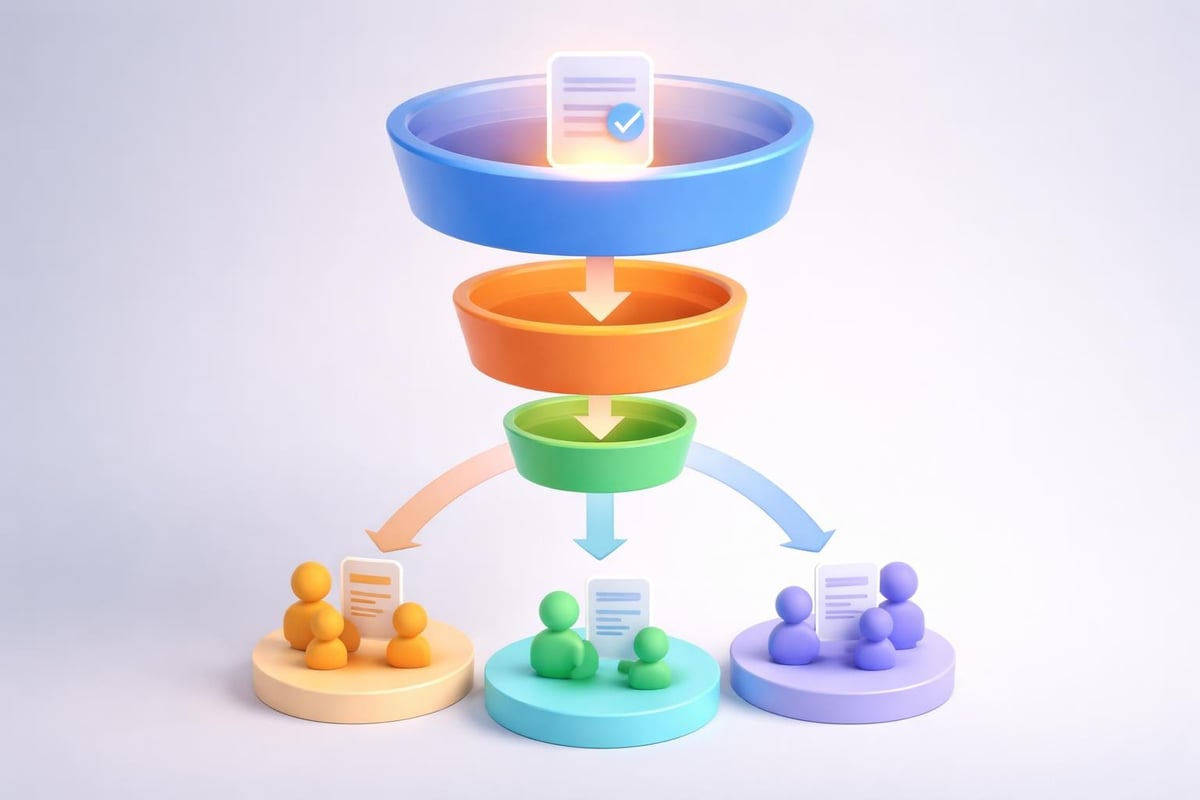
Breaking complex projects into digestible phases helps stakeholders understand progression without becoming overwhelmed. Present each phase with consistent structure:
Phase Overview: Objectives and deliverables specific to this stage
Resource Requirements: Budget and personnel for this phase only
Success Criteria: How you'll measure phase completion
Dependencies: Prerequisites from previous phases and inputs needed from stakeholders
Risk Factors: Phase-specific challenges and mitigation strategies
This modular approach allows stakeholders to grasp the full project scope while focusing on immediate priorities. Best practices for project management emphasize clear phase definitions and consistent communication frameworks.
Dashboard and Metric Reporting
For ongoing project updates, dashboard-style presentations provide at-a-glance status visibility. Design dashboards that highlight:
| Metric Category | Display Method | Update Frequency |
|---|---|---|
| Overall health | Status indicators (red/yellow/green) | Weekly |
| Budget variance | Actual vs. planned comparison | Bi-weekly |
| Timeline adherence | Milestone completion percentage | Weekly |
| Resource utilization | Capacity charts | Monthly |
| Risk exposure | Priority-ranked risk register | Bi-weekly |
Dashboards transform regular status meetings from tedious recitations into strategic discussions focused on decision-making rather than information transfer.
Stakeholder-Specific Views
Different stakeholders need different information depth. Create presentation variants that address specific audience needs while maintaining consistent core messaging.
For financial stakeholders, emphasize budget performance, ROI projections, and resource optimization. For technical teams, detail implementation methodologies, technology choices, and integration requirements. For operations leaders, focus on process changes, training needs, and business continuity considerations.
This targeted approach demonstrates respect for stakeholder time and expertise. Rather than forcing everyone through irrelevant details, you deliver precisely the information each group needs for their decision-making responsibilities.
Continuous Improvement and Feedback Integration
Excellence in project manager presentations develops through iteration and refinement. Establish systematic approaches for capturing feedback and measuring presentation effectiveness.
Post-Presentation Analysis
After each significant presentation, conduct structured reviews. Evaluate both quantitative and qualitative outcomes:
- Decision quality: Did stakeholders approve, modify, or reject your proposal?
- Question patterns: Which topics generated most discussion or confusion?
- Time management: Did you complete within allocated time?
- Engagement levels: Did stakeholders remain attentive throughout?
- Follow-up volume: How many clarification requests did you receive afterward?
Document lessons learned and specific improvements for future presentations. This practice transforms each presentation into a learning opportunity rather than an isolated event.
Incorporating Stakeholder Preferences
Observe how different stakeholders consume information. Some prefer detailed data appendices, others want executive summaries only. Some engage actively with questions throughout, others prefer uninterrupted presentations followed by discussion.
Adapt your approach based on these observations while maintaining professional standards. Flexibility within structure demonstrates both competence and responsiveness to stakeholder needs.
Staying Current with Presentation Trends
Presentation design evolves continuously. What impressed stakeholders in 2023 may appear dated in 2026. Stay current by reviewing presentation design trends and observing presentations from industry leaders.
Top presentation tips emphasize maintaining minimalism, incorporating authentic visuals rather than stock photography, and using animation purposefully rather than decoratively. Implement these evolving best practices gradually, ensuring changes enhance rather than distract from your core message.
Template Development and Reusability
Efficiency matters in project management. Creating reusable presentation frameworks reduces preparation time while maintaining quality and consistency across all your project communications.
Building Your Presentation Library
Develop template collections for common presentation scenarios:
- Project proposals: Initial project pitch and approval requests
- Status updates: Regular progress reporting to stakeholders
- Change requests: Scope, timeline, or budget modification proposals
- Risk assessments: Emerging threat communication and mitigation plans
- Closure reports: Final deliverable presentations and lessons learned
Each template should include placeholder content that guides information organization while allowing customization for specific projects. Consider attractive PowerPoint templates that balance visual appeal with professional credibility.
Maintaining Brand Consistency
Your organization's visual identity should appear consistently across all project manager presentations. Establish guidelines for:
- Logo placement and sizing requirements
- Color palette application and approved variations
- Typography standards for different content types
- Image style (photography vs. illustration, color treatment)
- Layout grids that ensure visual consistency
Consistency builds recognition and reinforces professionalism. When stakeholders see your presentations, they should immediately recognize your organization's brand standards.
Version Control and Collaboration
Managing presentation versions prevents confusion and ensures accuracy. Implement naming conventions that include project identifier, date, and version number. Store presentations in centralized repositories accessible to team members who may need to deliver or update them.
For collaborative development, use cloud-based platforms that enable simultaneous editing while tracking changes. Establish review workflows ensuring subject matter experts validate technical content while design specialists refine visual elements.
Mastering the project manager presentation requires balancing analytical rigor with visual storytelling, technical precision with stakeholder empathy. By implementing structured approaches to content development, design excellence, and delivery effectiveness, you transform presentations from routine obligations into strategic communication opportunities that advance your projects and career. When you need professional support creating presentations that command attention and drive decisions, Prznt Perfect specializes in transforming complex project data into compelling visual narratives that resonate with financial and tech stakeholders, ensuring your critical initiatives receive the executive support they deserve.



- This is some text inside of a div block.lay out the facts clearly and compellingly. Use data to establish the ground reality, but remember that facts alone are like the individual strands of a tapestry—necessary but not complete.lay out the facts clearly and compellingly. Use data to establish the ground reality, but remember that facts alone are like the individual strands of a tapestry—necessary but not complete.
- This is some text inside of a div block.lay out the facts clearly and compellingly. Use data to establish the ground reality, but remember that facts alone are like the individual strands of a tapestry—necessary but not complete.

.png)
