
PPT Plan: Strategic Blueprint for Powerful Presentations

Creating a compelling presentation requires more than simply opening PowerPoint and adding content to slides. A well-structured ppt plan serves as the foundation for delivering messages that resonate with audiences, particularly in financial and technology sectors where clarity and precision are paramount. Whether you're preparing a pitch deck for investors, a quarterly business review, or a product launch presentation, having a strategic blueprint ensures every element works together to achieve your communication goals. This comprehensive approach transforms scattered ideas into cohesive narratives that drive action and engagement.
Understanding the Foundation of a PPT Plan
A ppt plan represents the strategic framework that guides your entire presentation development process. This blueprint encompasses everything from initial research and audience analysis through content structuring, design execution, and delivery preparation.
The planning phase typically includes several critical components:
- Audience analysis and stakeholder mapping
- Objective definition and success metrics
- Content hierarchy and message prioritization
- Timeline and resource allocation
- Design direction and brand alignment
Without this foundational work, presentations often suffer from disjointed messaging, visual inconsistency, and poor audience engagement. Financial services firms and technology companies particularly benefit from robust planning frameworks because their presentations frequently involve complex data, technical specifications, and high-stakes decision-making scenarios.
Defining Clear Objectives
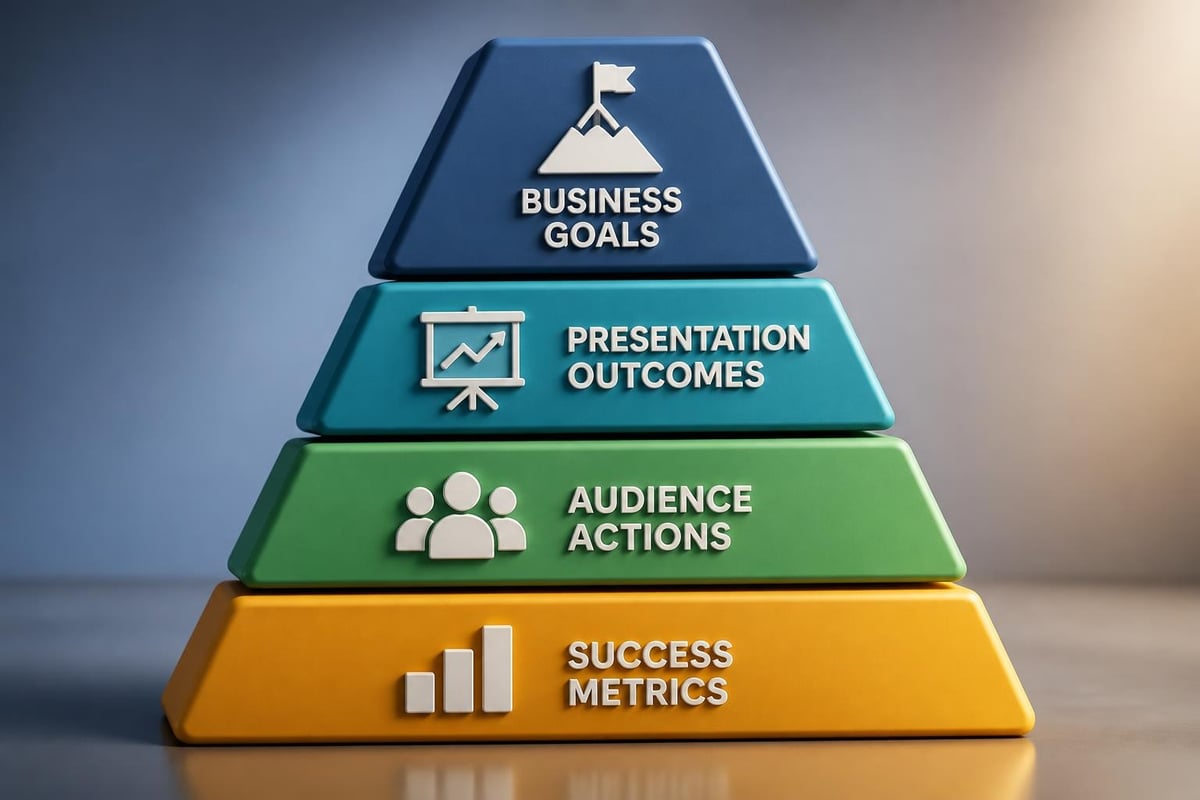
Every effective ppt plan begins with crystal-clear objectives. What specific action do you want your audience to take after viewing your presentation? Are you seeking investment, approval for a project, or buy-in for a strategic initiative?
Establishing measurable outcomes helps guide all subsequent decisions. For instance, a fintech startup seeking Series A funding might define success as securing three follow-up meetings with investors, while a cybersecurity firm presenting to enterprise clients might aim for advancing prospects to the proof-of-concept stage.
Research and Audience Analysis
Understanding who will receive your message fundamentally shapes your ppt plan. Different audiences require different approaches, content depths, and persuasion strategies.
| Audience Type | Primary Concerns | Content Focus | Presentation Length |
|---|---|---|---|
| Executive Leadership | ROI, strategic alignment | High-level insights, business impact | 15-20 minutes |
| Technical Teams | Implementation details, specifications | Data depth, methodology | 30-45 minutes |
| Investors | Market opportunity, traction | Growth metrics, competitive advantage | 20-30 minutes |
| Sales Prospects | Problem solving, value proposition | Use cases, outcomes | 25-35 minutes |
Research extends beyond knowing your audience demographics. It includes understanding their knowledge level, pain points, decision-making criteria, and potential objections. This intelligence allows you to craft messages that speak directly to their priorities.
For technology presentations, technical accuracy matters immensely. Your ppt plan should allocate time for subject matter expert reviews and data validation. Financial presentations demand equal rigor around metrics, projections, and compliance considerations. The University of Washington's presentation best practices emphasize the importance of tailoring content to audience expertise levels.
Competitive Intelligence and Market Context
Strong presentations demonstrate awareness of the broader landscape. Your ppt plan should include competitive analysis that positions your solution, product, or proposal within market context. This doesn't mean dedicating entire slides to competitors, but rather weaving competitive differentiation throughout your narrative.
Research the typical formats and expectations within your industry. Financial sector presentations often follow more conservative design standards, while technology companies may embrace bolder visual approaches. Understanding these norms helps you strike the right balance between standing out and meeting expectations.
Content Structure and Narrative Architecture
Once objectives and audience insights are clear, the ppt plan shifts to content architecture. This phase determines what information appears in your presentation, in what sequence, and with what emphasis.
Building a Logical Flow
The most effective presentations follow narrative structures that guide audiences through a journey. Common frameworks include:
- Problem-Solution-Benefit: Establish the challenge, present your solution, demonstrate outcomes
- Past-Present-Future: Show evolution, current state, and vision ahead
- Situation-Complication-Resolution: Context setting, introducing tension, resolving with your approach
- What-So What-Now What: Information delivery, significance explanation, action steps
Your chosen structure should align with your objectives. Investor presentations often benefit from problem-solution frameworks that highlight market gaps and your unique approach. Internal business reviews might use past-present-future structures to demonstrate progress and outline next steps.
The ppt plan should map each major section and subsection before any design work begins. This outline becomes your presentation skeleton, ensuring logical progression and preventing content gaps. For guidance on structuring content effectively, Old Dominion University's presentation guidelines provide valuable frameworks.
Prioritizing Information Hierarchy
Not all content carries equal weight. Your ppt plan must distinguish between primary messages, supporting evidence, and supplementary details. This hierarchy determines slide prominence, visual treatment, and time allocation.
Primary messages deserve dedicated slides with strong visual support and clear headlines. Supporting evidence can appear through data visualizations, case studies, or testimonials. Supplementary details often work better in appendices or leave-behind documents rather than core presentation slides.
Financial and technology presentations frequently struggle with information overload. Teams want to include every feature, metric, and capability. A disciplined ppt plan helps maintain focus on what truly matters for your specific audience and objectives.
Design Direction and Visual Planning
Visual strategy forms a crucial component of any comprehensive ppt plan. Design isn't merely decoration; it's a communication tool that enhances comprehension, maintains engagement, and reinforces credibility.
Establishing Design Parameters
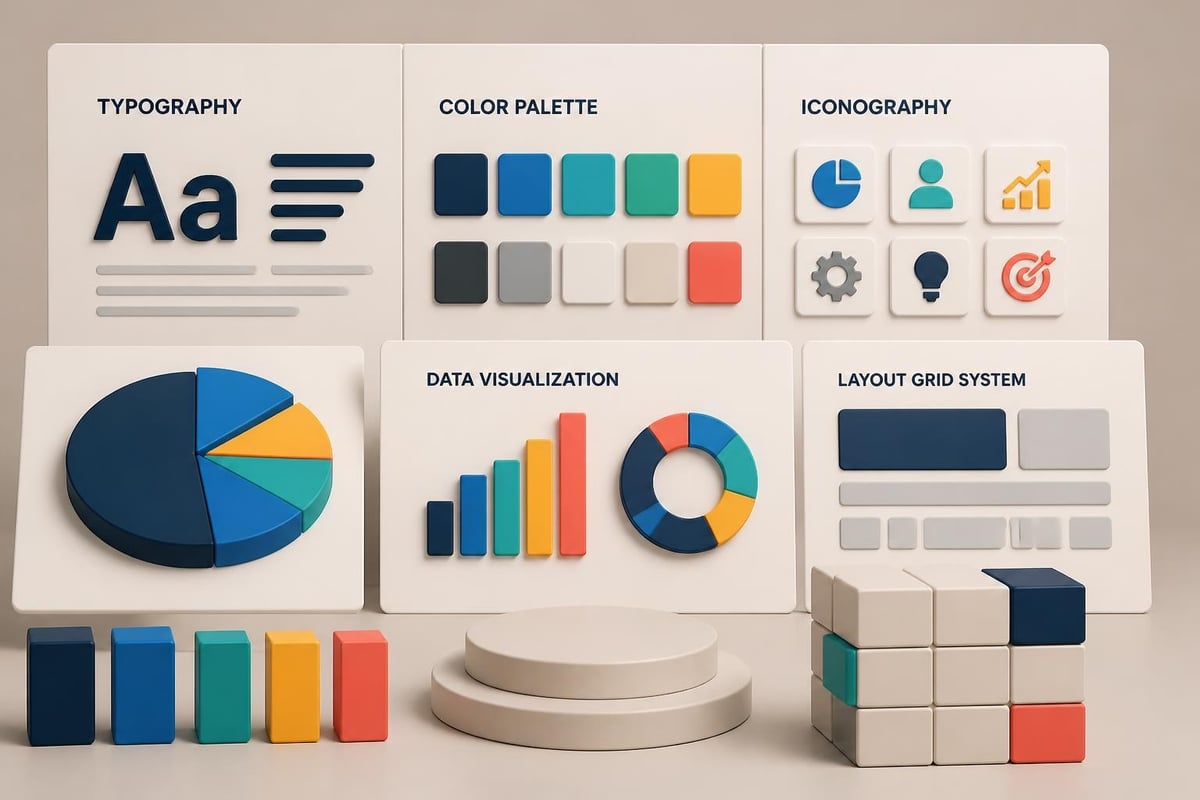
Before creating any slides, your ppt plan should define design boundaries and requirements:
- Brand compliance standards and color palettes
- Typography selections and hierarchy rules
- Chart and data visualization styles
- Image sourcing and treatment approaches
- Slide layout templates and grid systems
These parameters ensure visual consistency throughout your presentation. They also accelerate the design process by eliminating decision fatigue around recurring elements.
For businesses without established presentation design systems, consulting powerpoint templates provide professional starting points that maintain cohesion. The investment in quality templates pays dividends through efficiency gains and polished results.
Balancing Text and Visuals
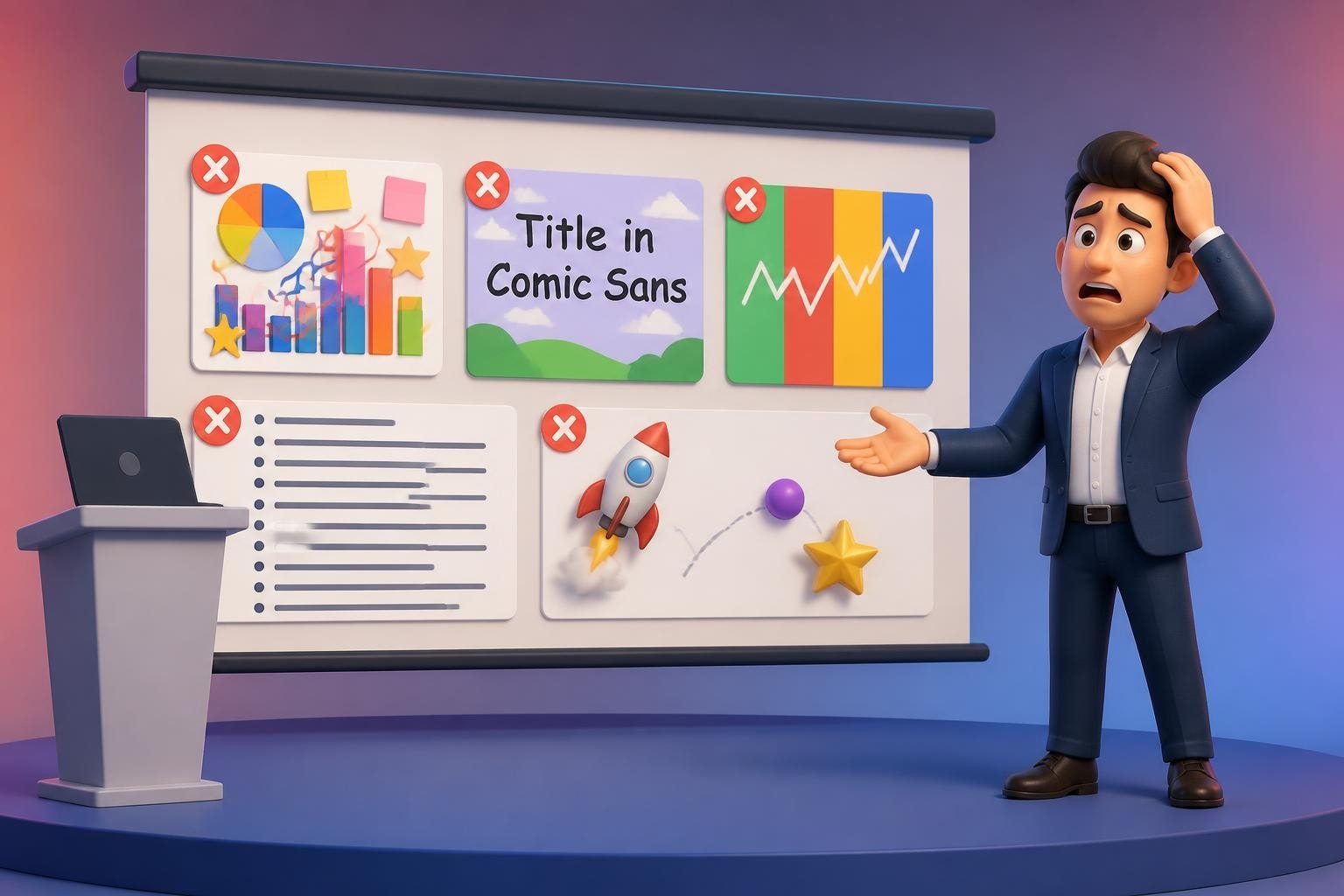
A common ppt plan pitfall involves text-heavy slides that function as documents rather than visual aids. Your planning phase should identify opportunities to replace bullet points with diagrams, charts, images, and other visual elements.
| Content Type | Text-Heavy Approach | Visual-First Approach |
|---|---|---|
| Process explanation | Bullet list of steps | Flowchart or timeline diagram |
| Performance metrics | Paragraph of numbers | Clean data visualization |
| Customer testimonials | Block quote text | Large pull quote with customer photo |
| Product features | Feature list bullets | Icon grid with brief descriptions |
The right balance depends on context. Technical audiences may appreciate detailed specifications, while executive audiences prefer high-level visuals. Your ppt plan accounts for these preferences through audience analysis conducted in earlier phases.
Timeline Development and Resource Allocation
Every ppt plan needs realistic timelines that account for multiple development stages. Rushed presentations rarely achieve their full potential, while excessive timeline padding wastes organizational resources.
Standard Project Phases
- Discovery and planning (15-20% of timeline)
- Content development and research (25-30% of timeline)
- Design and production (30-35% of timeline)
- Review and revision cycles (15-20% of timeline)
- Rehearsal and refinement (10-15% of timeline)
These percentages provide starting points, but your specific ppt plan should adjust based on presentation complexity, stakeholder involvement, and available resources. A straightforward internal update might compress into days, while a major investor pitch could require weeks of development.
Resource allocation extends beyond time. Consider who needs to contribute content, provide feedback, approve designs, or assist with rehearsal. The ppt plan should map these dependencies and build in buffer time for approvals and revisions. Microsoft's project planning templates offer frameworks for tracking presentation development milestones.
Building Review Cycles
Quality presentations benefit from multiple review cycles with different stakeholders. Your ppt plan should schedule:
- Content accuracy reviews with subject matter experts
- Message alignment reviews with leadership or key stakeholders
- Design quality reviews for visual consistency and brand compliance
- Delivery rehearsals with presentation feedback
Each review cycle requires time for feedback collection, synthesis, and implementation. Failing to plan for these iterations often leads to last-minute scrambles and suboptimal results.
Content Creation Best Practices
With structure and timelines established, the ppt plan guides actual content creation. This phase transforms outlines into compelling slides that communicate effectively.
Writing for Slides Versus Documents
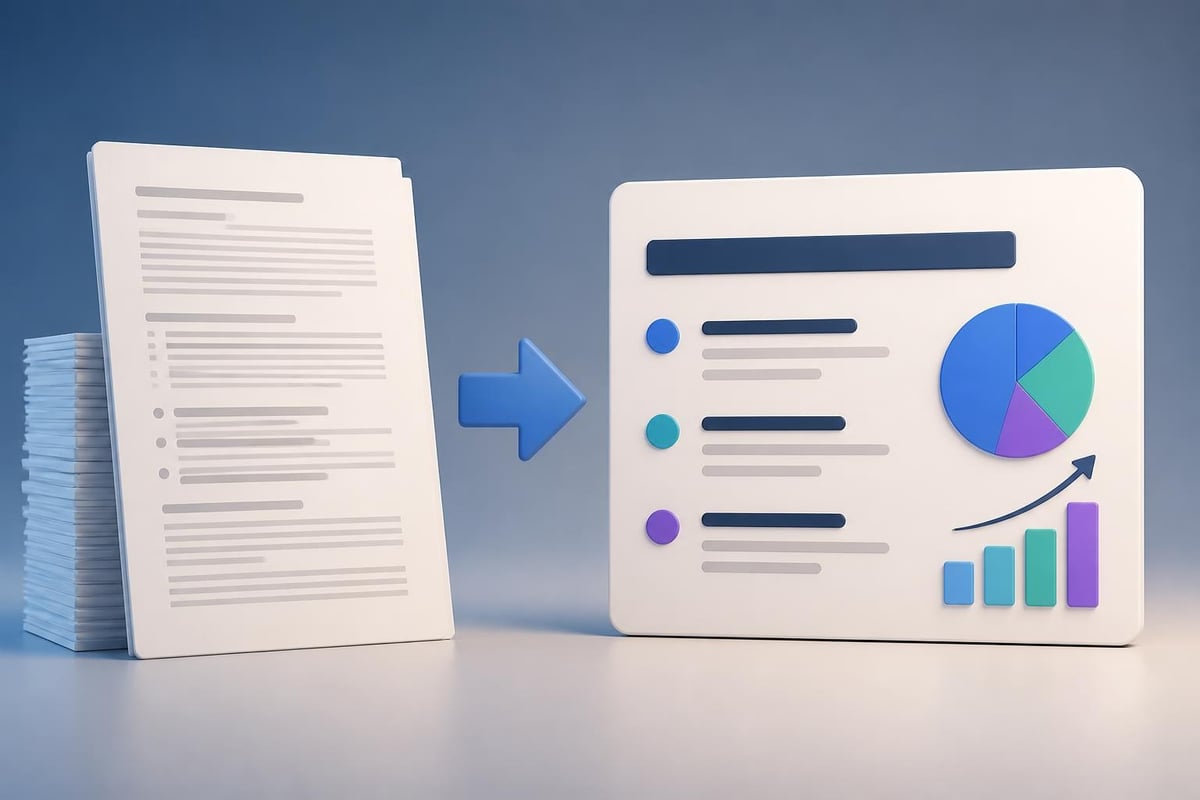
Presentation slides serve different purposes than written reports. Your ppt plan should emphasize concise, scannable content that supports verbal delivery rather than standalone reading.
Effective slide content characteristics:
- Short headlines that communicate key messages independently
- Minimal body text that reinforces rather than repeats spoken words
- Active voice and strong verbs that create energy
- Audience-focused language that addresses their priorities
- Consistent terminology that avoids confusion
Many presentation creators make the mistake of treating slides as teleprompters, filling them with complete sentences they plan to read. This approach bores audiences and undermines presenter credibility. Instead, slides should provide visual anchors that enhance spoken narratives.
Data Visualization Strategies
Financial and technology presentations heavily feature data. Your ppt plan should specify how different data types will be visualized for maximum clarity and impact.
Choose chart types that match your message. Trends over time work best with line charts. Comparisons between categories benefit from bar charts. Proportions call for pie charts or treemaps. Complex relationships might require scatter plots or network diagrams.
Beyond chart selection, consider data simplification. Remove unnecessary gridlines, legends, and labels. Highlight the specific data points that support your narrative. Use color strategically to draw attention to key insights rather than decorating every element.
The University of Texas System's PowerPoint guidelines provide comprehensive recommendations for creating effective data visualizations that communicate clearly.
Incorporating Brand Elements
A professional ppt plan ensures brand consistency throughout your presentation. This extends beyond simply placing a logo on slides; it involves thoughtfully integrating brand personality, visual identity, and messaging frameworks.
Visual Brand Integration
Your organization's brand guidelines should inform color choices, typography selections, image styles, and graphic treatments. However, rigid adherence sometimes creates visually monotonous presentations. The ppt plan should identify opportunities to honor brand standards while maintaining visual interest.
For example, if your brand colors include navy blue and silver, consider using those as primary colors while introducing complementary accent colors for emphasis and variety. If brand typography includes a specific font family, use different weights and sizes to create hierarchy and rhythm.
Businesses seeking templates that balance brand flexibility with professional design can explore best ppt presentation templates that provide customization options while maintaining visual coherence.
Messaging Consistency
Brand voice extends to written content within presentations. Is your organization formal or conversational? Technical or accessible? Innovative or traditional? The ppt plan should define tone parameters that align with brand personality while adapting to specific audience needs.
Create a brief messaging guide that captures key value propositions, differentiators, and proof points. Reference this guide during content creation to ensure consistency across all slides and speakers.
Rehearsal and Delivery Preparation
Even the most beautifully designed presentation fails without effective delivery. Your ppt plan must allocate time for rehearsal, feedback incorporation, and delivery refinement.
Practice Sessions
Schedule multiple practice runs with increasing formality:
- Solo rehearsal to internalize content and timing
- Small group practice for initial feedback on clarity and flow
- Full dress rehearsal simulating actual presentation conditions
- Stakeholder preview (when appropriate) for final adjustments
Each session should be timed. Research on presentation length indicates that audiences retain information better from presentations that respect attention span limitations. If your rehearsals consistently run long, your ppt plan needs content trimming rather than faster speaking.
Record rehearsals when possible. Watching yourself present reveals verbal tics, pacing issues, and engagement opportunities that feel invisible in the moment. This feedback accelerates improvement and builds confidence.
Technical Preparation
The ppt plan should include technical logistics: venue familiarization, equipment testing, backup file preparation, and contingency planning. Nothing undermines a polished presentation faster than technical difficulties during delivery.
- Test your presentation file on the actual presentation equipment
- Bring backup copies on multiple devices and cloud storage
- Have offline versions available if internet connectivity is uncertain
- Know how to troubleshoot common issues like aspect ratio mismatches
For virtual presentations, conduct technology checks in advance. Test screen sharing, audio quality, camera positioning, and interactive features. Familiarize yourself with platform-specific tools and have backup communication channels ready.
Measuring Presentation Success
A comprehensive ppt plan doesn't end when you finish presenting. It includes mechanisms for evaluating effectiveness and capturing lessons for future improvements.
Defining Success Metrics
Return to the objectives established at the beginning of your ppt plan. How will you measure whether those objectives were achieved? Success metrics might include:
| Objective Type | Potential Metrics |
|---|---|
| Investor funding | Follow-up meeting requests, term sheet offers, investor questions quality |
| Sales conversion | Proposal requests, trial signups, sales cycle advancement |
| Internal approval | Project greenlight, budget allocation, resource commitment |
| Awareness building | Social shares, download requests, follow-up inquiries |
Collect data through surveys, follow-up conversations, CRM tracking, or analytics platforms. This information validates your approach and identifies improvement opportunities.
Continuous Improvement
After each presentation, conduct a brief retrospective. What worked well? What could improve? Were time allocations appropriate? Did certain slides generate more questions or engagement?
Document these insights and incorporate them into future ppt plans. Over time, you'll develop institutional knowledge about what resonates with different audience types, which visual approaches communicate most effectively, and how to structure narratives for maximum impact.
Organizations that consistently deliver high-stakes presentations benefit from maintaining a presentation library. Archive successful decks, noting what made them effective. This repository becomes a valuable resource for teams developing new presentations under tight timelines.
Advanced Planning for Complex Presentations
Some presentations require more sophisticated ppt plans due to multiple speakers, technical complexity, or high-stakes contexts.
Multi-Speaker Coordination
When several people present different sections, the ppt plan must ensure seamless transitions and consistent messaging. Create a detailed run-of-show document that specifies:
- Exact slide numbers where transitions occur
- Verbal handoff language between speakers
- Time allocations for each section
- Backup plans if one speaker runs long
Schedule joint rehearsals where all speakers practice together. These sessions reveal timing issues, content overlaps, and transition awkwardness that individual practice misses.
Interactive Elements
Modern presentations increasingly incorporate interactive elements: live polls, Q&A sessions, demonstration segments, or workshop activities. Your ppt plan should map when these interactions occur, how much time they require, and what facilitation they need.
Interactive elements energize audiences but require careful time management. Build buffer time into your schedule since participation rarely follows precise timelines. Prepare transition language that moves smoothly between interactive segments and formal presentation content.
For organizations regularly creating sophisticated presentations across financial and technology sectors, professional powerpoint services ensure expert execution of complex ppt plans that deliver measurable business results.
Adapting Your PPT Plan for Different Contexts
While core planning principles remain consistent, different presentation contexts require ppt plan adjustments.
Pitch Deck Development
Investor pitch decks demand particular attention to narrative arc, traction demonstration, and visual polish. The ppt plan for pitch presentations should emphasize storytelling over information delivery, with careful attention to opening hooks and closing calls-to-action.
Financial projections require special scrutiny in pitch contexts. Plan extra time for validation, sensitivity analysis, and preparation for investor questions. Consider developing detailed financial models that support your presentation slides without cluttering them.
Conference Presentations
Academic or industry conference presentations operate under strict time constraints with specific format requirements. Your ppt plan must account for submission deadlines, abstract approvals, and presentation guidelines.
Conference audiences typically include diverse expertise levels. Plan content that balances accessibility for newcomers with depth that engages experts. Consider structuring presentations with core content suitable for general audiences and optional deep-dive slides available during Q&A.
Client Sales Presentations
Sales presentations require customization for each prospect. A scalable ppt plan includes modular content blocks that can be rearranged based on client priorities, industry verticals, or solution configurations.
Develop a master presentation repository with approved slides covering different topics, use cases, and proof points. Individual sales presentations then assemble relevant modules rather than creating content from scratch. This approach maintains quality while enabling personalization.
Companies seeking templates for various business contexts can explore free minimal powerpoint templates that provide professional foundations for diverse presentation needs.
Developing a comprehensive ppt plan transforms presentation creation from a stressful scramble into a strategic process that consistently delivers impactful results. By investing time in audience analysis, content structuring, design planning, and rehearsal preparation, you position your presentations to achieve their intended objectives. Whether you're pitching to investors, presenting to clients, or communicating internally, a well-executed plan ensures your message resonates and drives action. Prznt Perfect specializes in helping financial and technology businesses develop and execute presentation strategies that turn complex information into compelling visual narratives, ensuring every slide contributes to your communication goals and business success.


- This is some text inside of a div block.lay out the facts clearly and compellingly. Use data to establish the ground reality, but remember that facts alone are like the individual strands of a tapestry—necessary but not complete.lay out the facts clearly and compellingly. Use data to establish the ground reality, but remember that facts alone are like the individual strands of a tapestry—necessary but not complete.
- This is some text inside of a div block.lay out the facts clearly and compellingly. Use data to establish the ground reality, but remember that facts alone are like the individual strands of a tapestry—necessary but not complete.

.png)
